Integrating Trino With DataHub (or other backend) For Authorization
Introduction
All Stories
Integrating Trino With DataHub (or other backend) For Authorization
Introduction
In blog, Oct 22, 2024
Adjusting trackpoint (or any pointing device) sensitivity through evdev
Recently I got myself a Thinkpad X1 Tablet Gen 3, however, unlike other Thinkpads, this model doesnot seem to use the usual Thinkpad kernel module which allows sensitivity to be set i...
In blog, Oct 22, 2024
Allowing keyboard capture for Remmina, Virt Manager and other software in GNOME Wayland
One capability seems missing in Wayland compared to X11 is the ability to fully capture keyboard events, for example when using remote desktop tools or virtual machines.
In blog, Sep 23, 2023
Switching to use Ruby 2.7 (or older) in Fedora 34 using DNF Modules
Fedora 34 now ships with Ruby 3.0 by default, which might be great news for Ruby developers. However, for those who might still be relying onolder version of Ruby to run their stuff (...
In blog, May 18, 2021
The best practice method to install VirtualBox on Fedora 32/33 (and later)
In any linux distribution, there will be multiple methods to achieve a certain goal.You might have encountered many guides out there on how to install VirtualBox on Fedora, however, p...
In howto, Feb 22, 2021
Creating XDG custom url scheme handler
If you develop system tools or desktop software on Linux that also have an accompanying web application, you might want to have a way for the web applicationto launch the tool with so...
In howto, Feb 18, 2021
How to get ILI9486 Raspberry Pi 3.5" LCD to work with Fedora ARM
Fedora ARM provides a full fledged Linux distro with rich ecosystem of server packages available for the ARM ecosystem.
In howto, Feb 17, 2021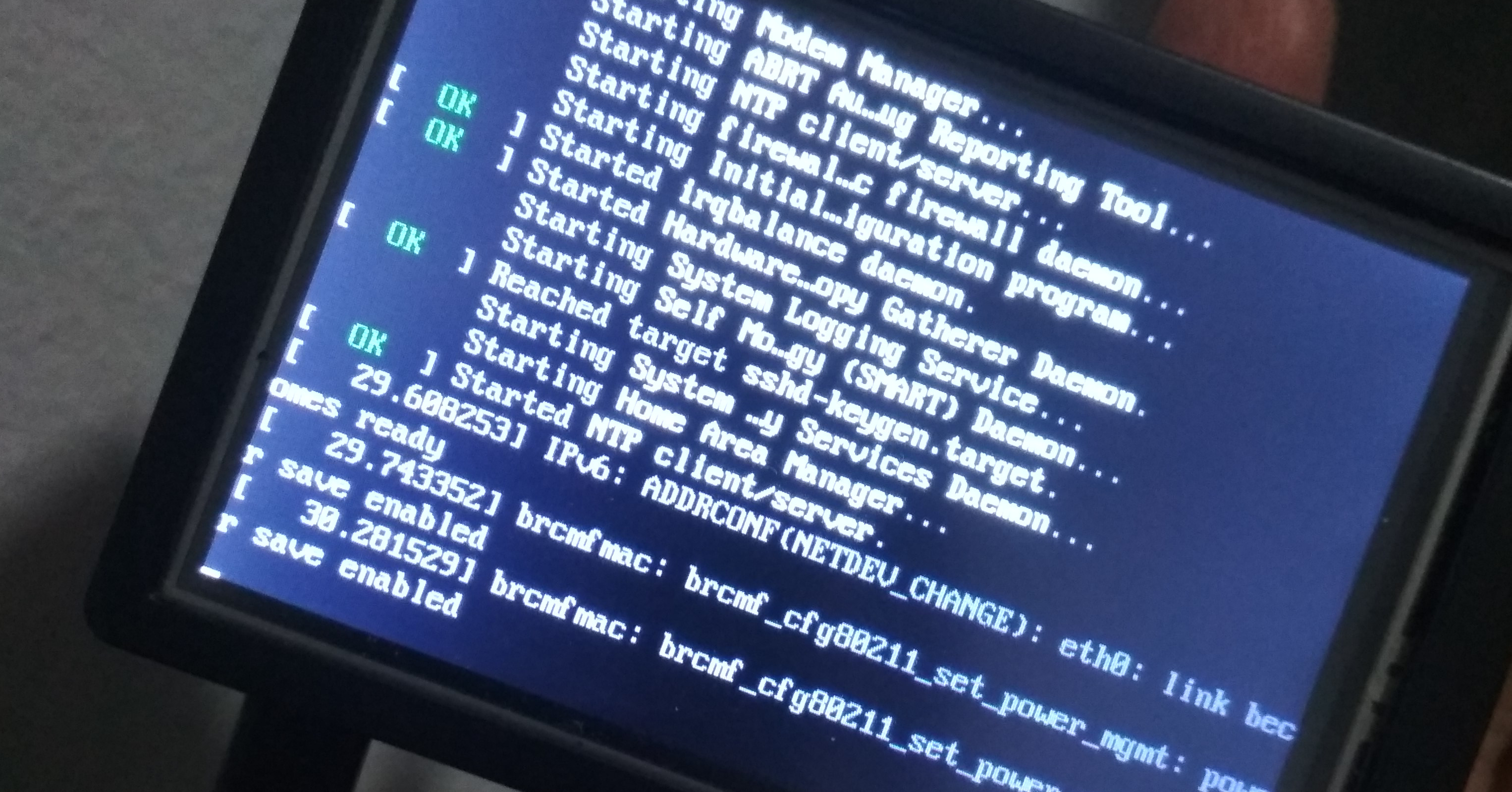
Is CentOS Dead? The reports of its demise are greatly exaggerated.
End of last year, CentOS project announced that they are shifting theirfocus to CentOS Stream.
In blog, Feb 16, 2021
Migrated to Github Pages
This blog, originally created circa 2005, was originally hosted on top of Google’s Blogger. At the time, Bloggerwas a decent free platform, which works fine for my needs. This blog wa...
In blog, Feb 13, 2021
- «
- 1
- Next »